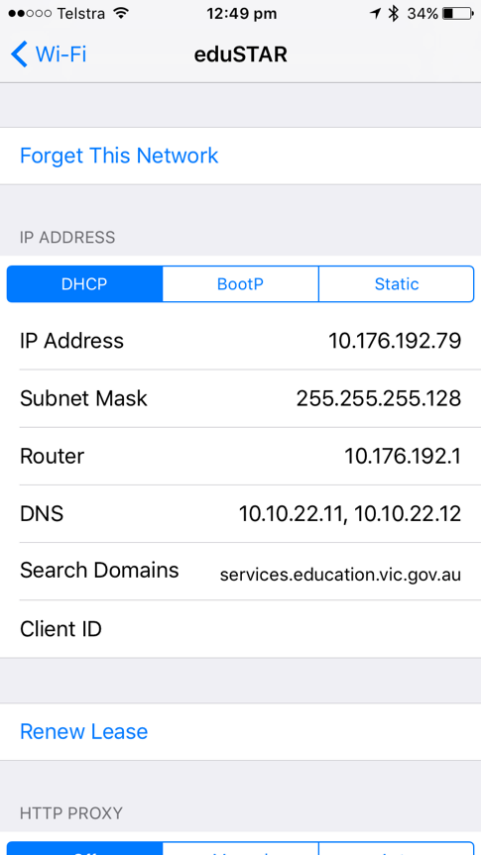
Below is a guide how to connect your iPad to the eduSTAR wireless network.
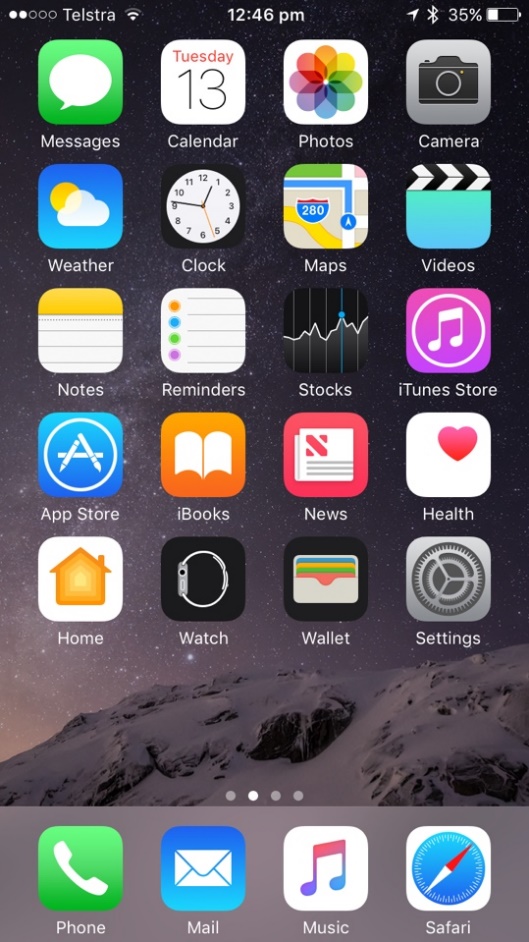
- Open up the iOS device and navigate to Settings
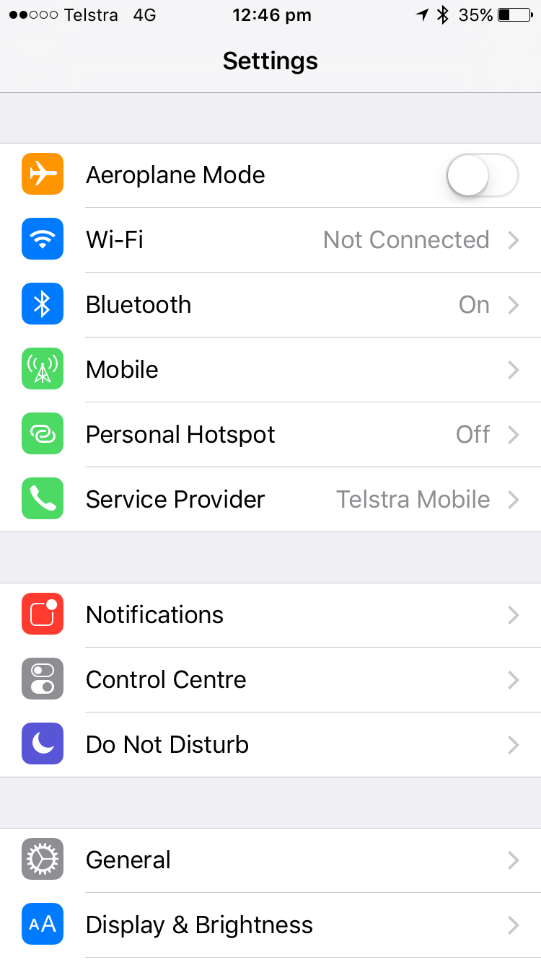
- Click the Wifi button
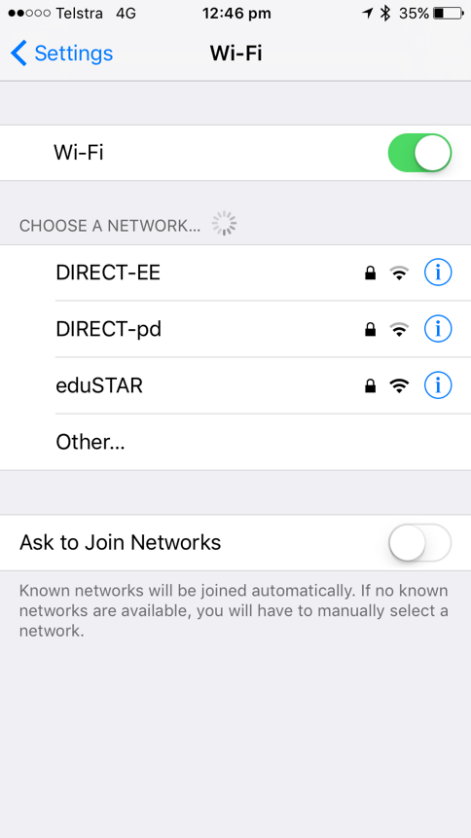
- The eduSTAR wireless network should be visible under Choose a Network. Press eduSTAR
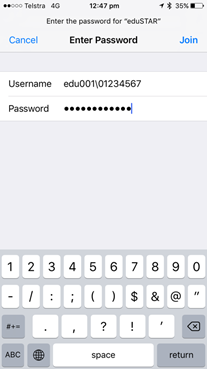
- Enter credentials E.g. Username: edu001\T0Number and password. Press Join
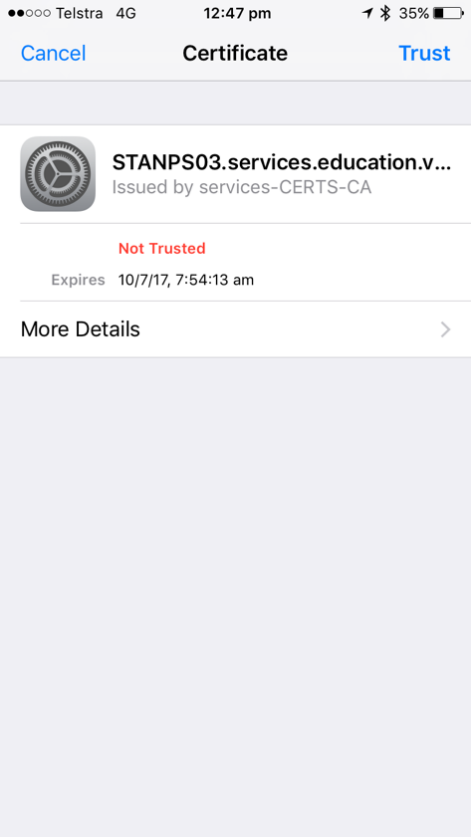
- You will be prompted to accept the DEECD certificate, press Accept
- The eduSTAR network should now be connected and have a tick next to it
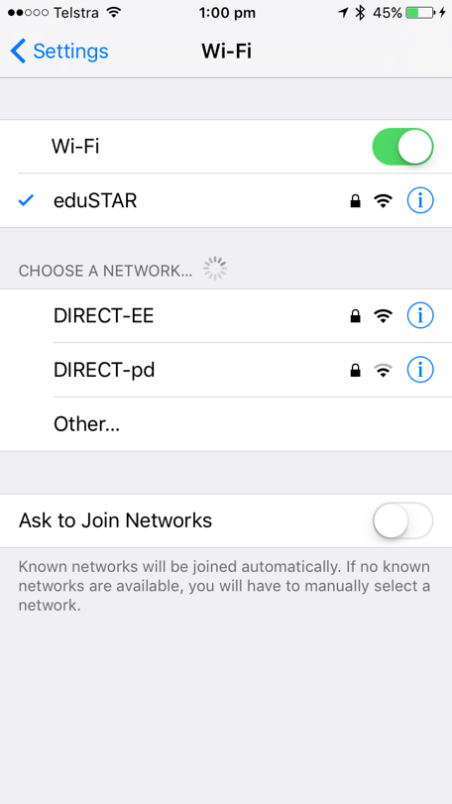
- To validate that you are connected, press the > next to eduSTAR and check that you have obtained a valid IP address